Monthly Archive: 11 月 2025
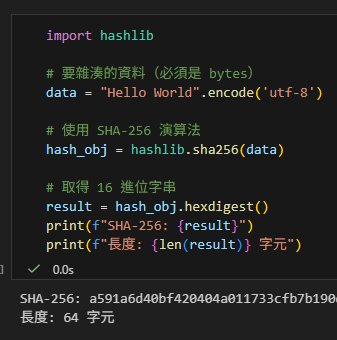
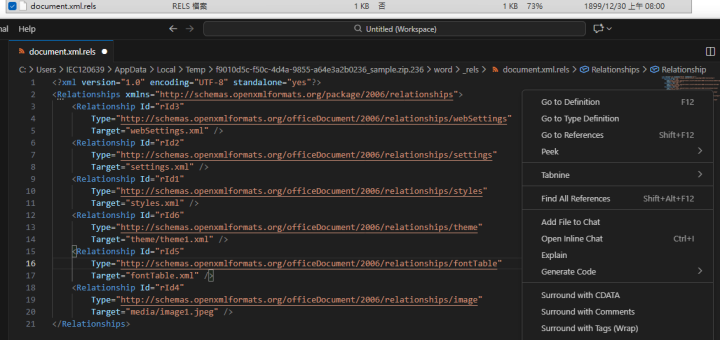
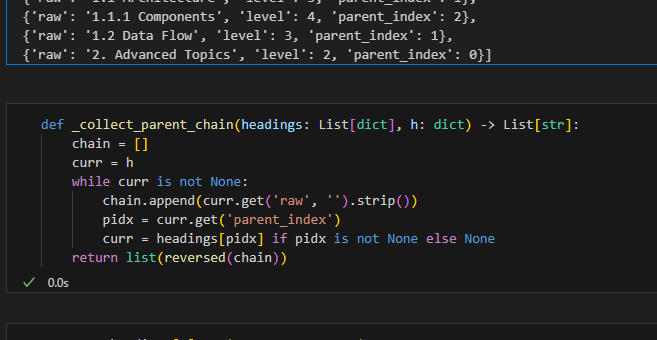
告別雜亂 XML!用 Python lxml 實現與 VS Code (Shift+Alt+F) 同級的「完美縮排」; from lxml import etree ; root = etree.fromstring(xml_bytes) #等效 root = etree.fromstring( xml_str.encode(“utf-8”) ); clean_xml_str = etree.tostring(root, pretty_print=True, encoding=’unicode’, xml_declaration=False) ; import xml.etree.ElementTree as ET
在處理 Word (.docx) 或 Excel (.xlsx) 的...
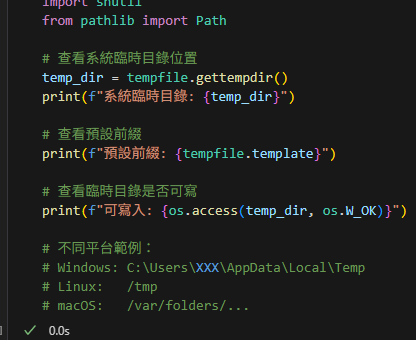
Python tempfile 模組完全指南:安全管理臨時檔案的最佳實踐; import tempfile ; tempfile.gettempdir() ; tempfile.template ; os.access(temp_dir, os.W_OK) ; with tempfile.NamedTemporaryFile() as tmp: tmp_path = tmp.name #有檔名的臨時檔案 ; with tempfile.TemporaryDirectory() as tmpdir #臨時資料夾 ; with tempfile.TemporaryFile() as tmp #無檔名的臨時檔案
為什麼需要 tempfile?在處理檔案操作時,我們經常需要建立臨時...
![Python 讀取 DOCX 圖片關聯:qn+find/findall 與 XPath 的實戰對照 from lxml import etree ; from docx.oxml.ns import qn; lxml.etree._Element.findall( f".//{ qn('a:blip') }" ) ; .get( qn("r:embed") ) #獲取 屬性名 'r:embed' 的 屬性值(如: 'rId4') ; lxml.etree._Element.xpath( "//a:blip/@r:embed", namespaces = NS) #/@r:embed = 獲取 屬性名 'r:embed' 的 屬性值(如: 'rId4'),使用.findall() 要先.findall()獲取List[_Element],再迴圈_Element.get()獲取屬性值, .xpath() 第一個參數path 使用"//a:blip/@r:embed" ,可直接獲取屬性值(List[str]如: ['rId4', 'rId5']) ; 如何對docx真實移除圖片瘦身? - 儲蓄保險王](https://savingking.com.tw/wp-content/uploads/2025/11/20251119130848_0_3fbf6b-607x340.png)
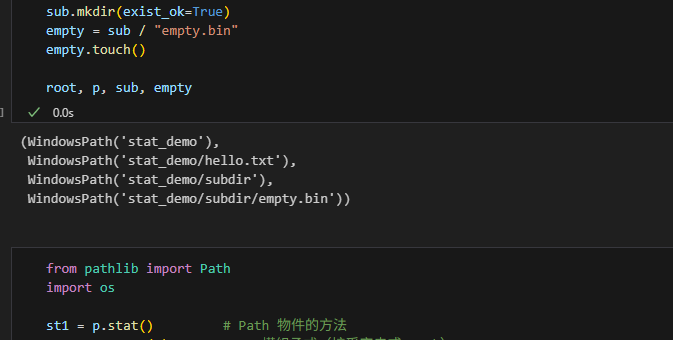

Python × lxml.etree:從 Word OOXML 讀、查、改、寫的實戰筆記; from lxml import etree ; parser = etree.XMLParser() ; root = etree.fromstring(xml_str.encode(“utf-8″), parser=parser) #(根節點); print(etree.tostring(root, encoding=”unicode”, pretty_print=True)) #encoding=”unicode”輸出str ; “utf-8″輸出bytes,漂亮顯示
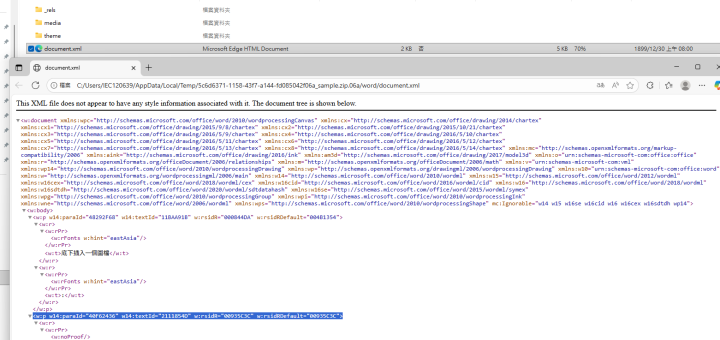
sample.docx 內容(1021 KB): 將附檔名改為.zi...
![Python正則替換:全面掌握 re.sub 與 re.subn 的差異與實戰 #substitute(替換); . 預設匹配「除n以外的任意單一字元」; pattern = re.compile(r'<w:p[^>]*>.*?底下插入一個圖檔.*?</w:p>', flags = re.DOTALL) ; new_xml, n = pattern.subn('', xml, count=1) - 儲蓄保險王](https://savingking.com.tw/wp-content/uploads/2025/11/20251112101615_0_b62f5d-720x340.png)
Python zipfile 全攻略:實作讀寫、解壓、重建,以及 write/writestr 的正確用法; with zipfile.ZipFile(zip_path, mode=”r”) as z: print(z.namelist()) ; z.infolist()
sample.zip將副檔名由docx改為zip: 準備 輸出: ...
Python DOCX 圖片瘦身實戰 import zipfile; with zipfile.ZipFile(zpath,’r’) as zf
sample.docx內容僅有一小段文字下方插入一張大圖檔,容量10...

近期留言