


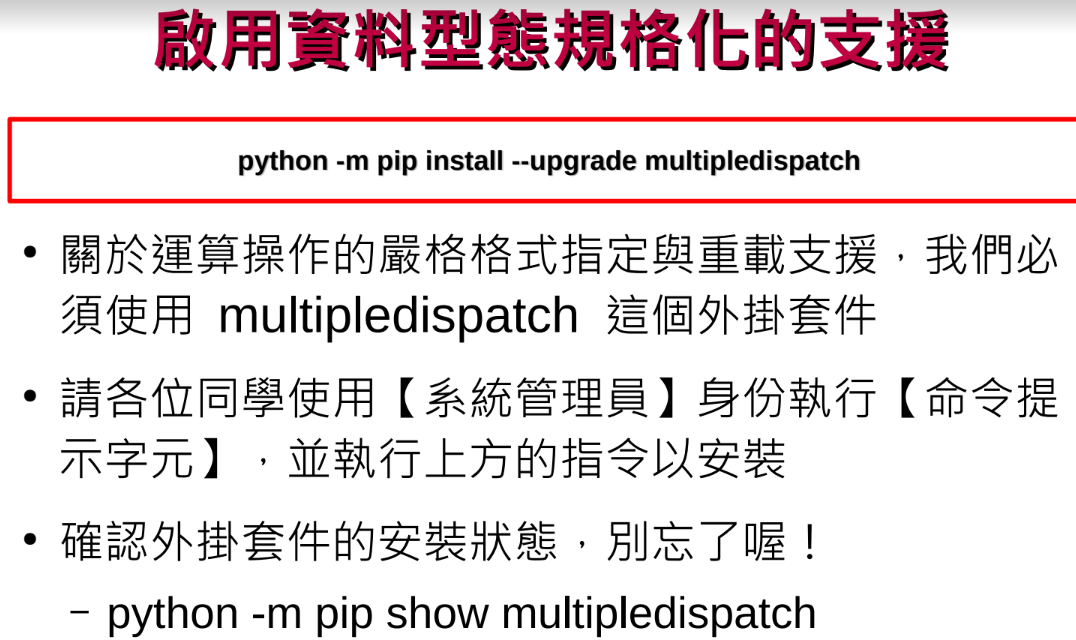
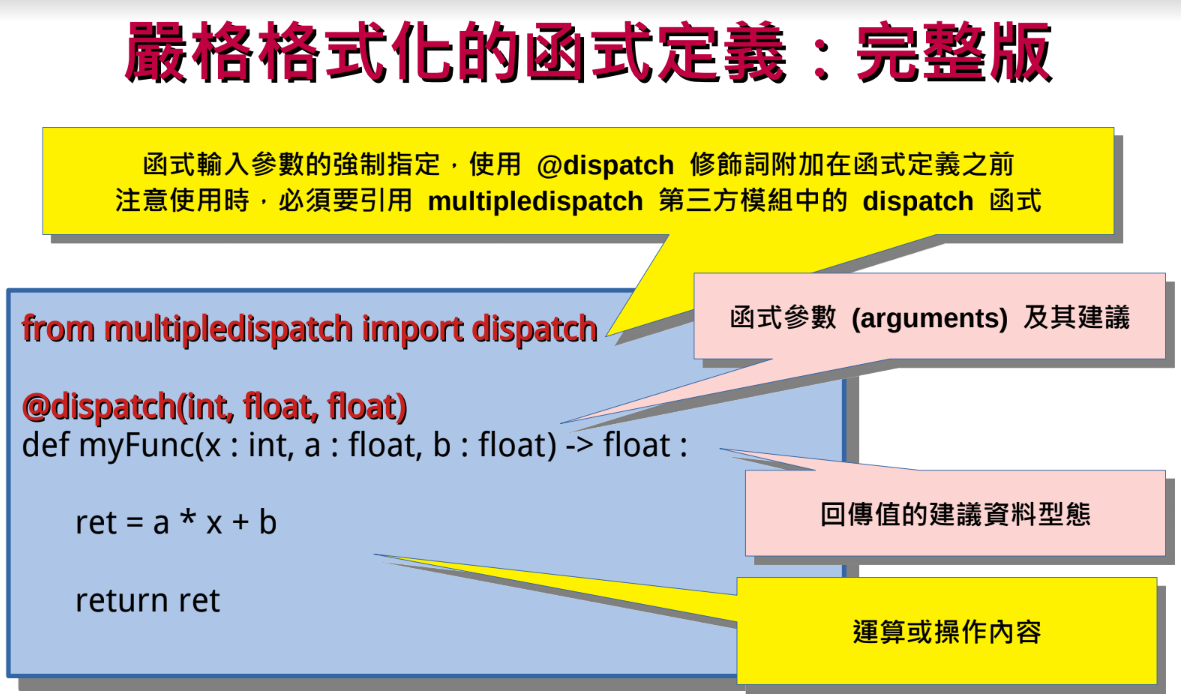
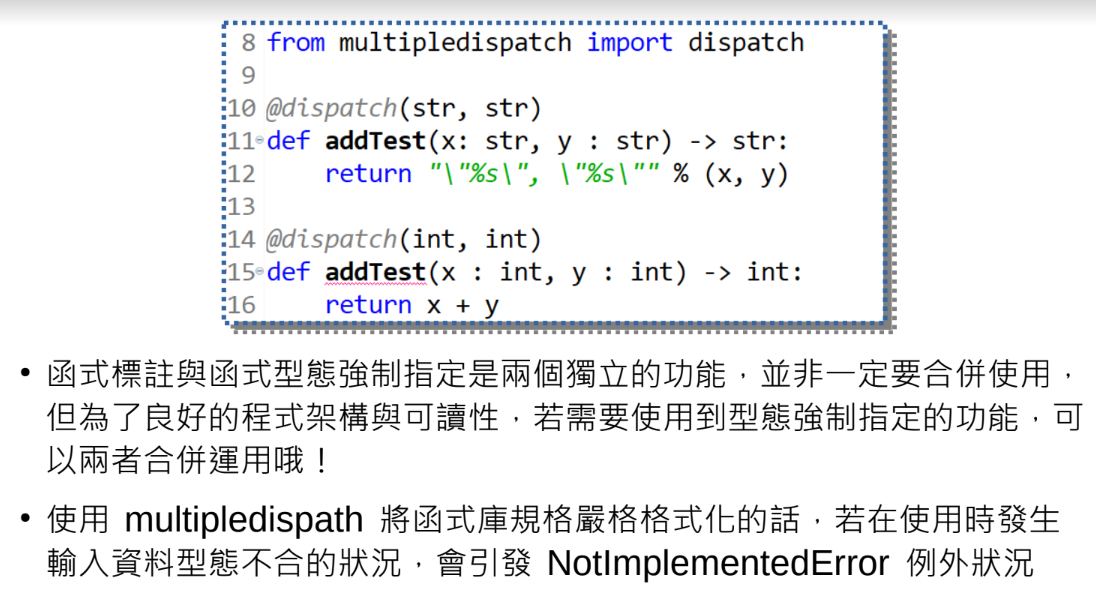
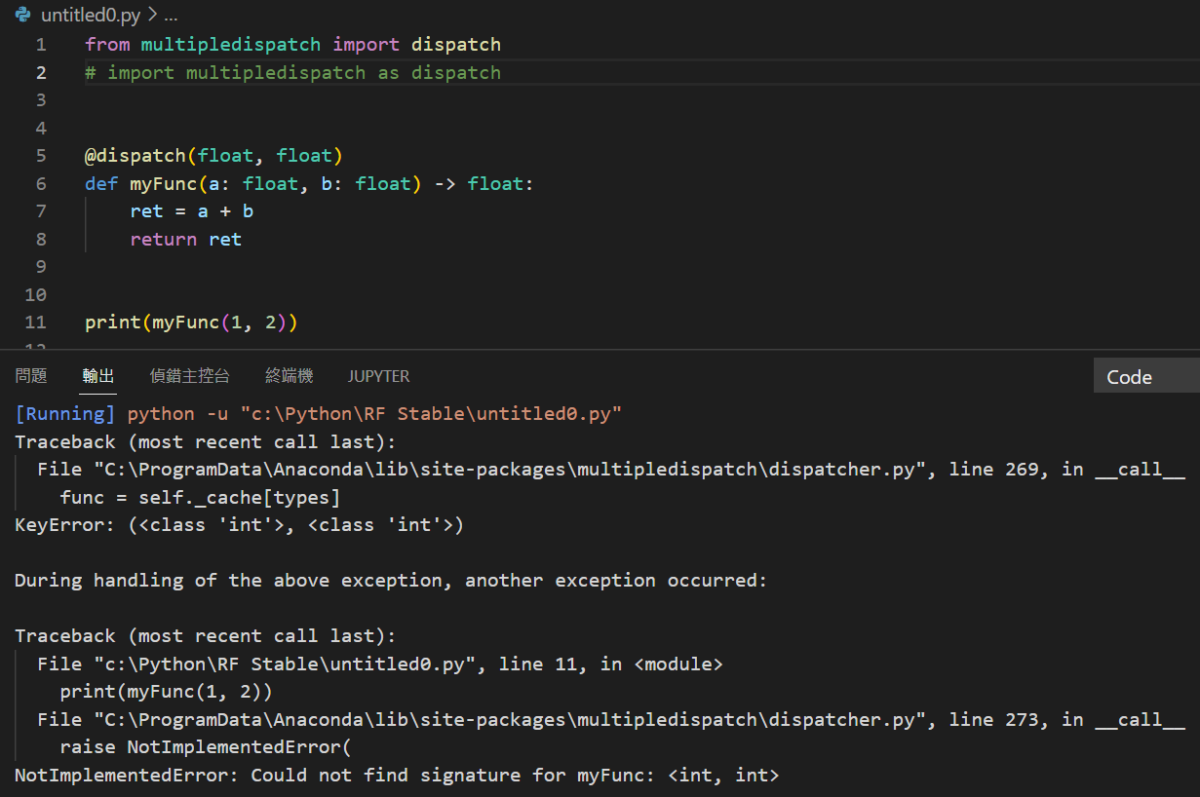
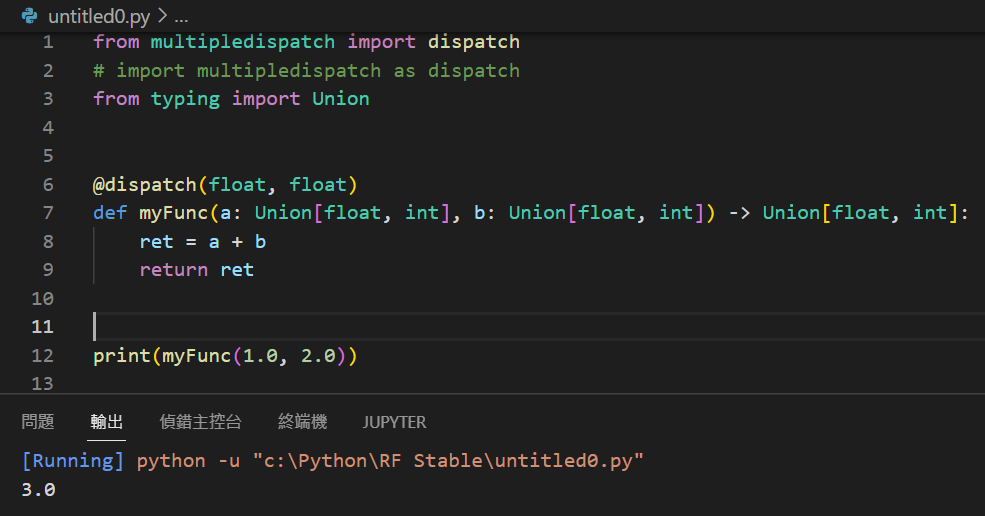
from multipledispatch import dispatch
# import multipledispatch as dispatch #這行不對
@dispatch(float, float)
def myFunc(a: float, b: float) -> float:
ret = a + b
return ret
print(myFunc(1, 2))
#強制使用浮點數,
#報NotImplementedError
#改為1.0 , 2.0即可執行
typing可以使用Union
但dispatch不行,
會出現TypeError
Traceback (most recent call last):
File “c:\Python\RF Stable\untitled0.py”, line 7, in <module>
def myFunc(a: Union[float, int], b: Union[float, int]) -> Union[float, int]:
File “C:\ProgramData\Anaconda\lib\site-packages\multipledispatch\core.py”, line 68, in _
dispatcher.add(types, func)
File “C:\ProgramData\Anaconda\lib\site-packages\multipledispatch\dispatcher.py”, line 222, in add
raise TypeError(“Tried to dispatch on non-type: %s\n”
TypeError: Tried to dispatch on non-type: typing.Union[float, int]
In signature: <typing.Union[float, int], typing.Union[float, int]>
In function: myFunc
![Python: 如何對 pandas.DataFrame 兩欄位運算後,增加到最後一欄? df[‘sum_AB’] = df.apply(sum_ab, axis=1) ; lambda函式](https://i1.wp.com/savingking.com.tw/wp-content/uploads/2023/03/20230314200417_4.png?quality=90&zoom=2&ssl=1&resize=350%2C233 "Python: 如何對 pandas.DataFrame 兩欄位運算後,增加到最後一欄? df[‘sum_AB’] = df.apply(sum_ab, axis=1) ; lambda函式")


![Python: Regular Expression 正規表示法 正則表達式 import re ; pattn = “[\d]{4}\/[01][\d]\/[0123][\d] [\d]{6}” ; match = re .search (pattn,text) .group()](https://i2.wp.com/savingking.com.tw/wp-content/uploads/2022/09/20220901154435_19.png?quality=90&zoom=2&ssl=1&resize=350%2C233 "Python: Regular Expression 正規表示法 正則表達式 import re ; pattn = “[\d]{4}\/[01][\d]\/[0123][\d] [\d]{6}” ; match = re .search (pattn,text) .group()")



近期留言