


#Python TQC考題402 不定數迴圈-最小值
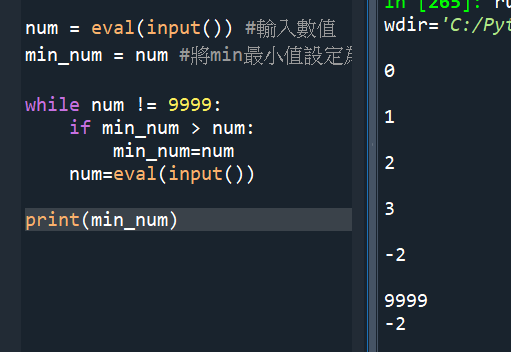
num = eval(input()) #輸入數值
min_num = num #將min最小值設定為初次輸入的值
while num != 9999:
if min_num > num:
min_num=num
#這一段屬於if函數
num=eval(input()) #這一段屬於while迴圈
print(min_num)
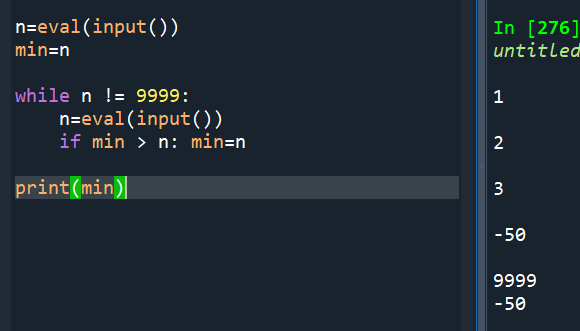
重寫一次
#使用list做
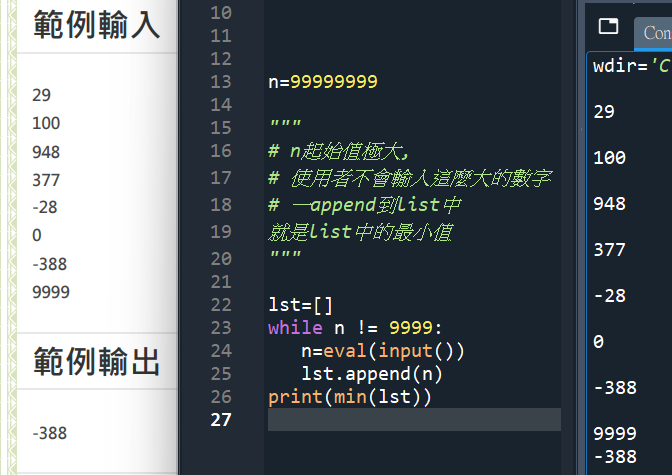
n=99999999
“””
# n起始值極大,
# 使用者不會輸入這麼大的數字
# 一append到list中
# 就是list中的最小值
“””
lst=[]
while n != 9999:
n=eval(input())
lst.append(n)
print(min(lst))
#使用while True做:
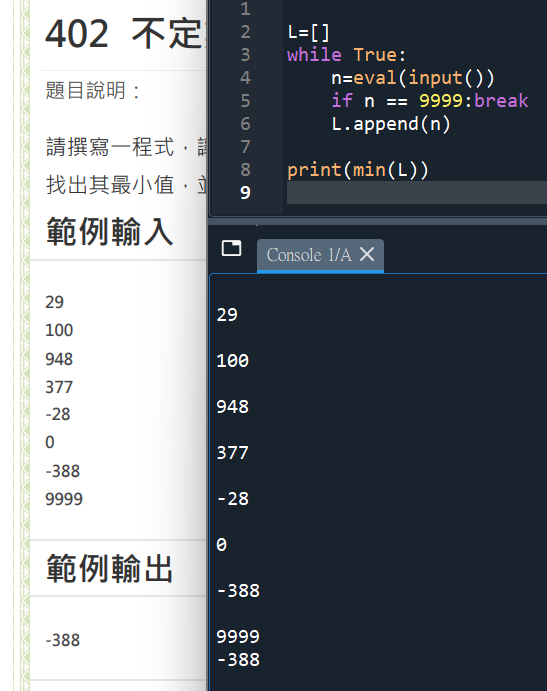
L=[]
while True:
n=eval(input())
if n == 9999:break
L.append(n)
print(min(L))


![Python如何讀取excel檔(.xlsx)?如何用欄標籤提取某一直行?df=pandas.read_excel() ; df[“欄標籤”]](https://i0.wp.com/savingking.com.tw/wp-content/uploads/2022/11/20221109163631_39.png?quality=90&zoom=2&ssl=1&resize=350%2C233 "Python如何讀取excel檔(.xlsx)?如何用欄標籤提取某一直行?df=pandas.read_excel() ; df[“欄標籤”]")
![Python: 如何創建多層column name的pandas.DataFrame? df = pd.read_csv (‘data.csv’, header=[0, 1], sep=”,”) ; col = pd .MultiIndex .from_arrays( aryCol )](https://i0.wp.com/savingking.com.tw/wp-content/uploads/2023/03/20230314164119_32.png?quality=90&zoom=2&ssl=1&resize=350%2C233 "Python: 如何創建多層column name的pandas.DataFrame? df = pd.read_csv (‘data.csv’, header=[0, 1], sep=”,”) ; col = pd .MultiIndex .from_arrays( aryCol )")


![Python: pandas.DataFrame([ ]) 與 pandas.DataFrame([[ ]]) 的差別? 如何為DataFrame增加首列? - 儲蓄保險王](https://savingking.com.tw/wp-content/uploads/2023/03/20230313160116_63-520x245.png)

近期留言