


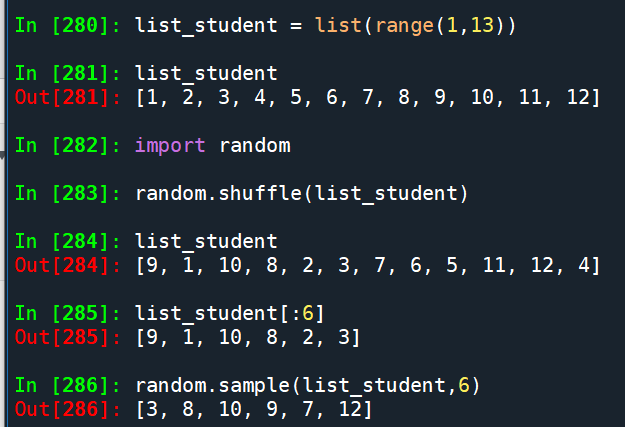
random.shuffle()
random.sample()
撲克牌洗牌:
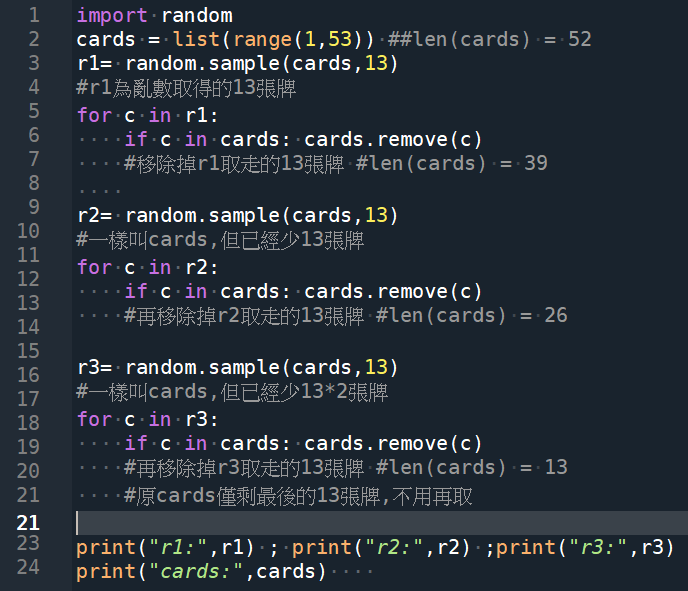
import random
cards = list(range(1,53)) #len(cards) = 52
r1= random.sample(cards,13)
#r1為亂數取得的13張牌
for c in r1:
if c in cards: cards.remove(c)
#移除掉r1取走的13張牌 #len(cards) = 39
r2= random.sample(cards,13)
#一樣叫cards,但已經少13張牌
for c in r2:
if c in cards: cards.remove(c)
#再移除掉r2取走的13張牌 #len(cards) = 26
r3= random.sample(cards,13)
#一樣叫cards,但已經少13*2張牌
for c in r3:
if c in cards: cards.remove(c)
#再移除掉r3取走的13張牌 #len(cards) = 13
#原cards僅剩最後的13張牌,不用再取
print(“r1:”,r1) ; print(“r2:”,r2) ;print(“r3:”,r3)
print(“cards:”,cards)
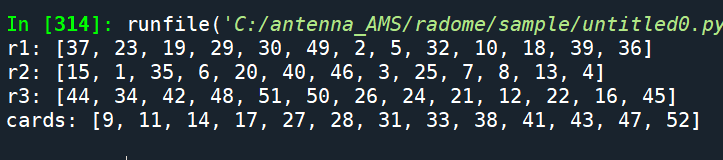
輸出結果:
撲克牌洗牌:
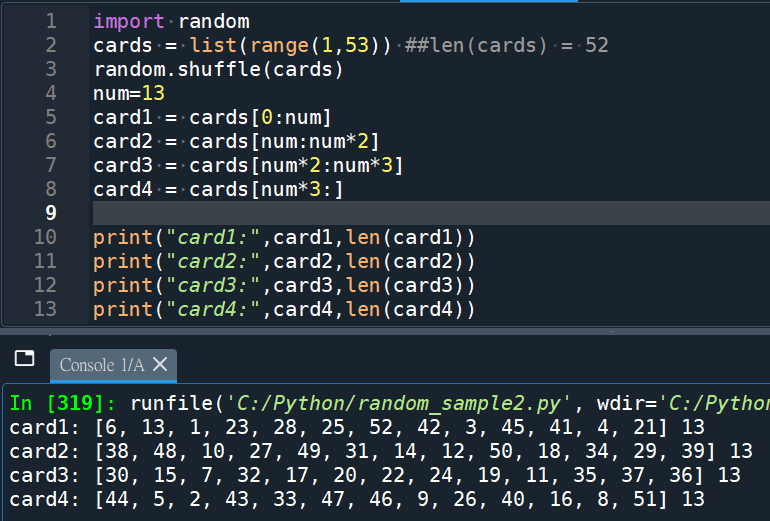
import random
cards = list(range(1,53)) ##len(cards) = 52
random.shuffle(cards)
num=13
card1 = cards[0:num]
card2 = cards[num:num*2]
card3 = cards[num*2:num*3]
card4 = cards[num*3:]
print(“card1:”,card1)
print(“card2:”,card2)
print(“card3:”,card3)
print(“card4:”,card4)
推薦hahow線上學習python: https://igrape.net/30afN



近期留言