


Python安裝beautifulsoup4時
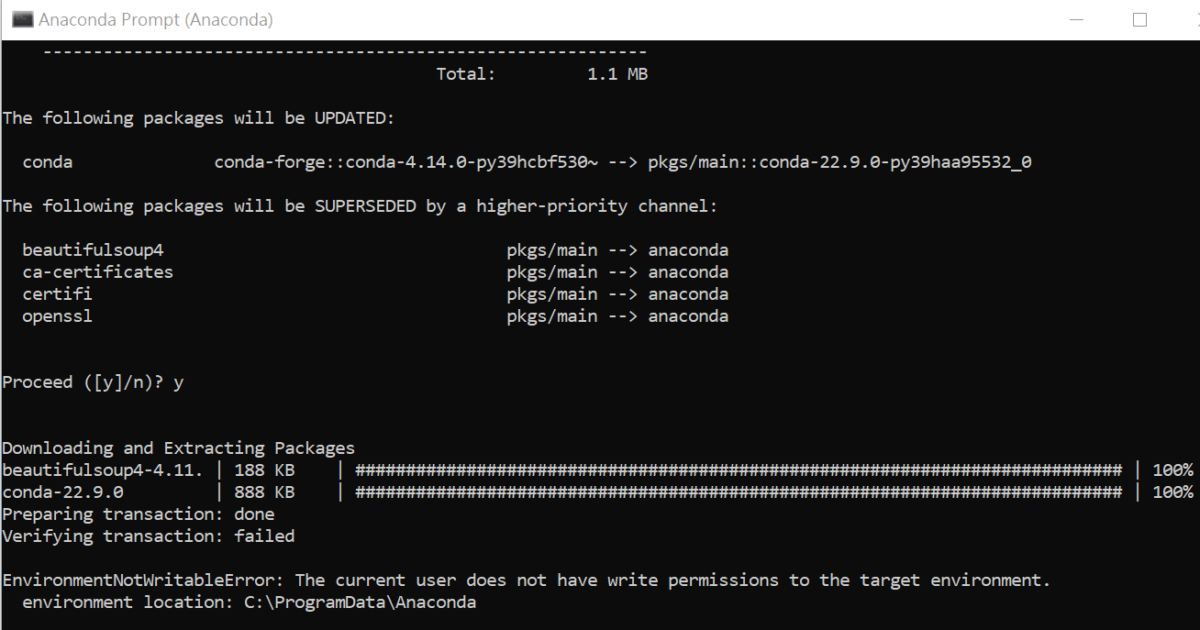
出現Verifying transaction: failed.
The current user does not have write permission to the target envirment.
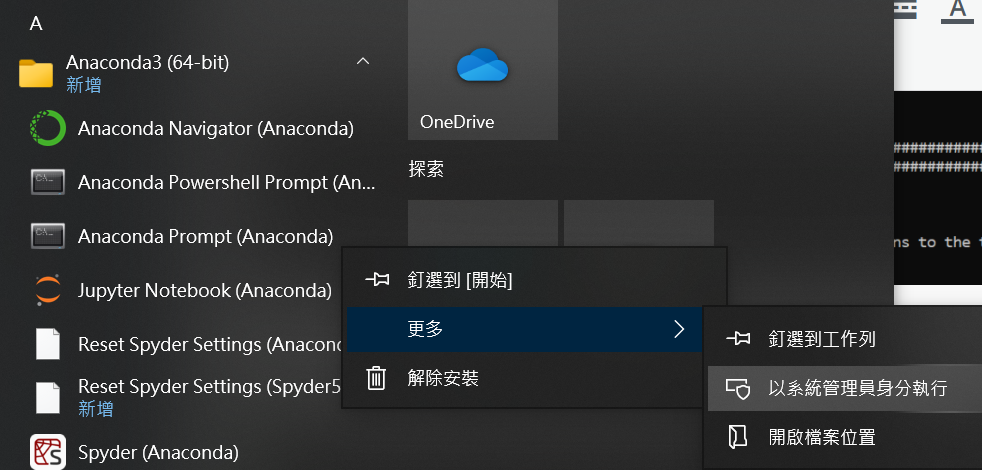
Anaconda Prompt > 右鍵
更多>以系統管理員身分執行
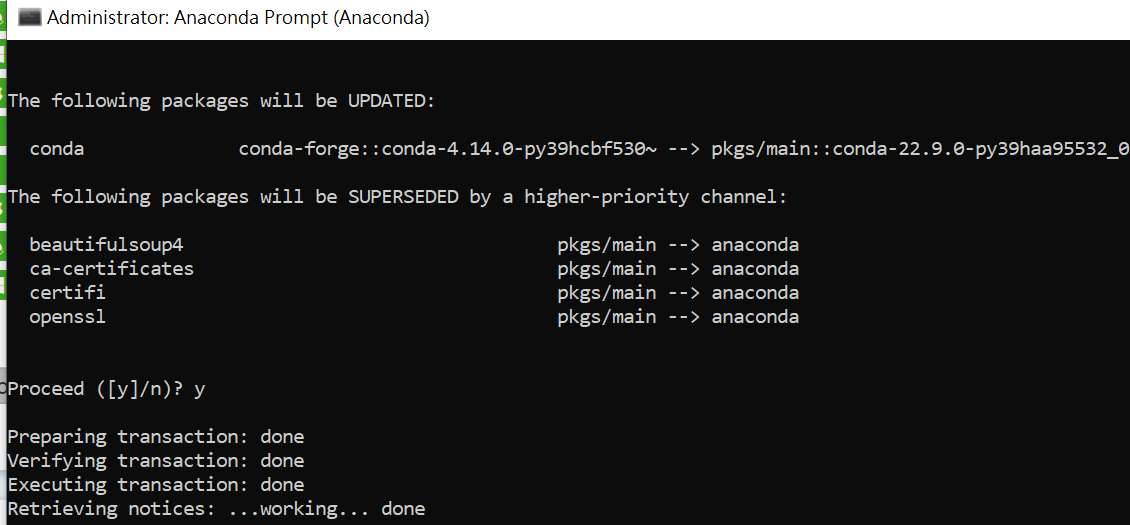
Anaconda Prompt中輸入:
conda install -c anaconda beautifulsoup4
(谷歌conda install beautifulsoup,
即可找到conda官網建議的安裝指令
conda會做版本管理,
直接pip install
則可能裝到無法運行的舊版)
此次就沒有出現
does not have write permission
的錯誤訊息:
如何確認有安裝成功?
conda prompt中輸入
pip list
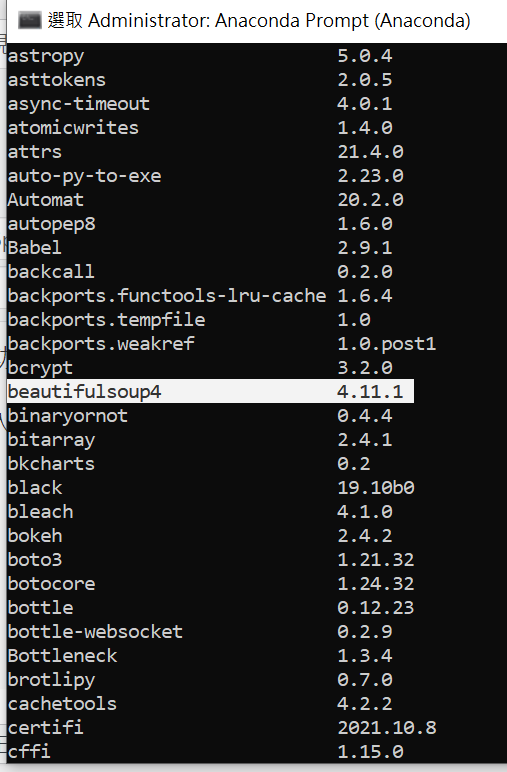
針對某一套件查詢用
pip show beautifulsoup4:
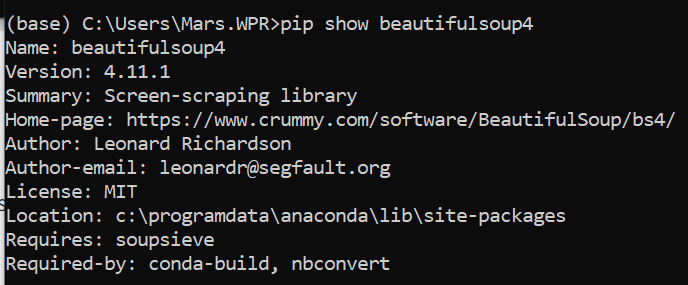
conda install -c anaconda beautifulsoup4
conda install -c anaconda requests
conda install -c anaconda lxml
conda install -c anaconda html5lib
conda install -c conda-forge selenium
conda install -c conda-forge pyinstaller

![Python如何做excel的樞紐分析? DataFrame .pivot_table (values=None, index=None, columns=None, aggfunc=’mean’) ; df.groupby([‘A’, ‘B’, ‘C’], sort=False)[‘D’].sum().unstack(‘C’)](https://i0.wp.com/savingking.com.tw/wp-content/uploads/2023/03/20230325141855_86.png?quality=90&zoom=2&ssl=1&resize=350%2C233 "Python如何做excel的樞紐分析? DataFrame .pivot_table (values=None, index=None, columns=None, aggfunc=’mean’) ; df.groupby([‘A’, ‘B’, ‘C’], sort=False)[‘D’].sum().unstack(‘C’)")



近期留言